
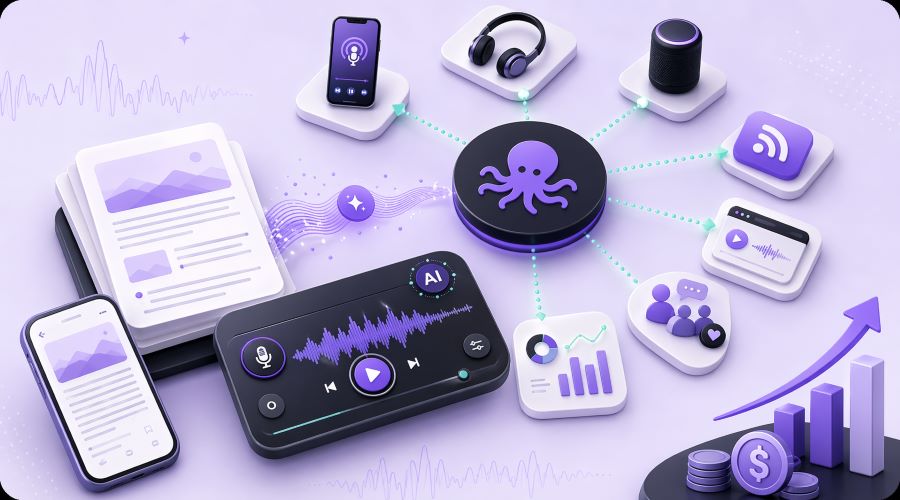
Best Text-to-Podcast Tools With Podcast Distribution
Text-to-speech technology has unleashed dozens of tools promising to transform your blog content into podcasts. But which ones actually deliver the distribution and monetization features your business needs?
With the podcast industry generating billions in ad revenue and audiences increasingly choosing audio content over text, publishers and content creators can't afford to guess wrong. The right text-to-podcast platform can unlock new revenue streams, expand your audience reach, and repurpose your existing content library into a thriving audio channel.
In this blog post, we'll examine the four most powerful text-to-podcast tools that combine professional-quality voice synthesis with built-in distribution to major platforms like Apple Podcasts and Spotify.
You'll also discover exactly which features matter for monetization, how each platform handles RSS feed generation and hosting, and which tool aligns best with your content strategy and budget.
TLDR:
Podcasts are big money, and your blog content is just sitting there. So go ahead and take advantage of this opportunity. The following four text-to-podcast tools can turn your existing articles into audio (complete with distribution to Apple Podcasts, Spotify, and more).
Here’s the quick breakdown:
- Trinity Audio: Best for publishers who want plug-and-play website integration plus built-in monetization
- Podcastle: Your go to option if you want a full editing studio, not just conversion
- Wondercraft AI: Ideal for scripted, multi-host shows without the production headaches
- NoteGPT: Allows you to throw in PDFs, videos, and web pages as source material (most flexible inputs)
What Actually Matters When Picking One:
Voice quality, automatic RSS feed generation, where your audio gets hosted, editing options, and cost at scale. Oh, and make sure you actually own the content you're converting.
Here’s The Bottom Line:
Stop overthinking it. Pick a platform, test it on a few of your top-performing posts, and start building your audio library. Your written content already has value, these tools just let you cash in on it through new channels.
Top Recommendations for Text-to-Podcast Tools
1. Trinity Audio
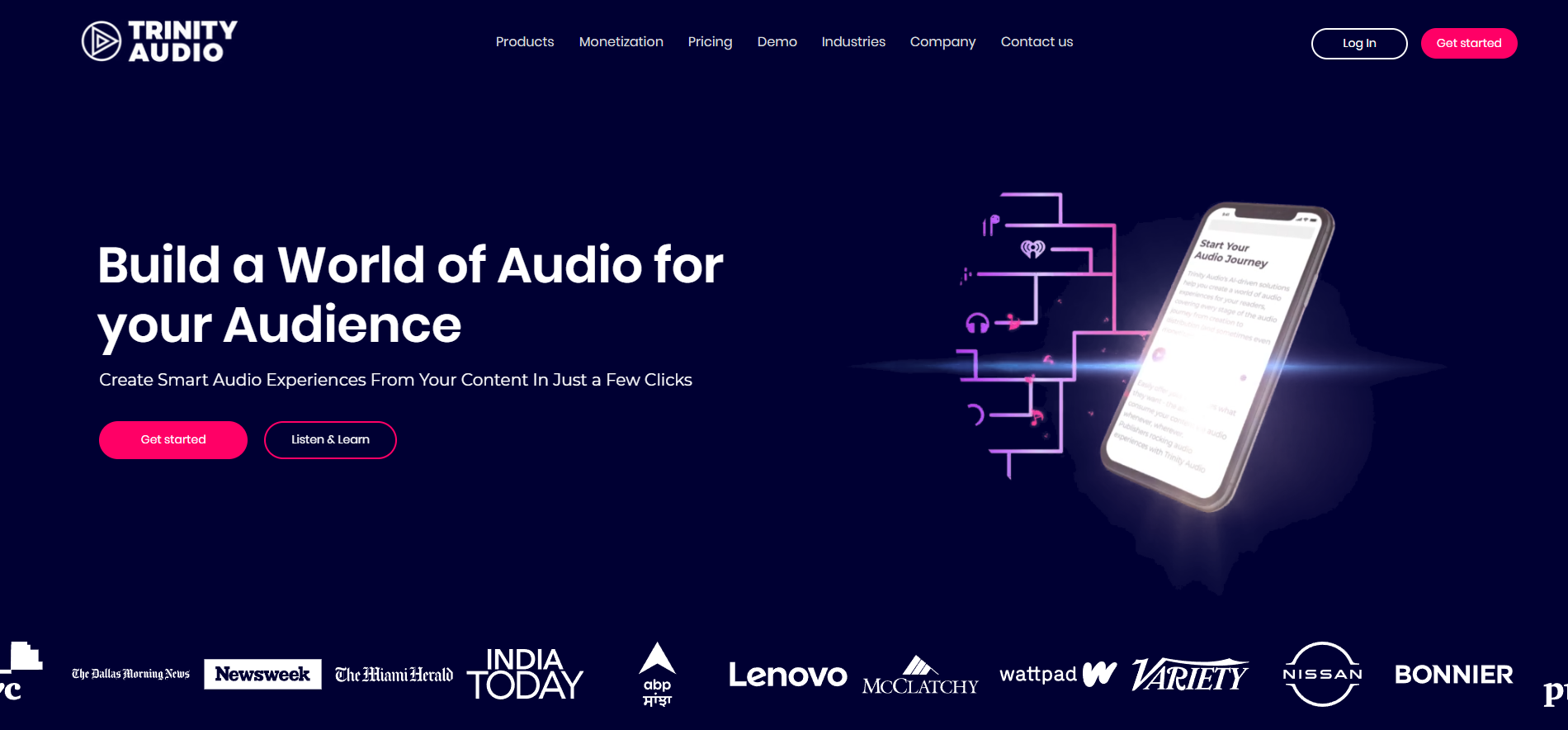
Trinity Audio is a content platform and text-to-speech (TTS) audio player that uses AI to convert written content into audio for websites and other digital platforms. It allows publishers and content creators to “audify” blogs, news, and articles, making it easier for audiences to listen to content while multitasking.
Why It’s A Good Option
Trinity Audio lets users fine-tune audio with options like voice style, tone, and accent to match their brand’s personality. The platform’s AI selects the most fitting voices for each piece of content to turn written posts into natural, professional-sounding audio.
Creators can then distribute their audio across popular streaming platforms such as Apple Podcasts, Google Podcasts, and smart speakers to reach audiences who prefer listening over reading and transform blog content into podcast-style experiences.
2. Podcastle
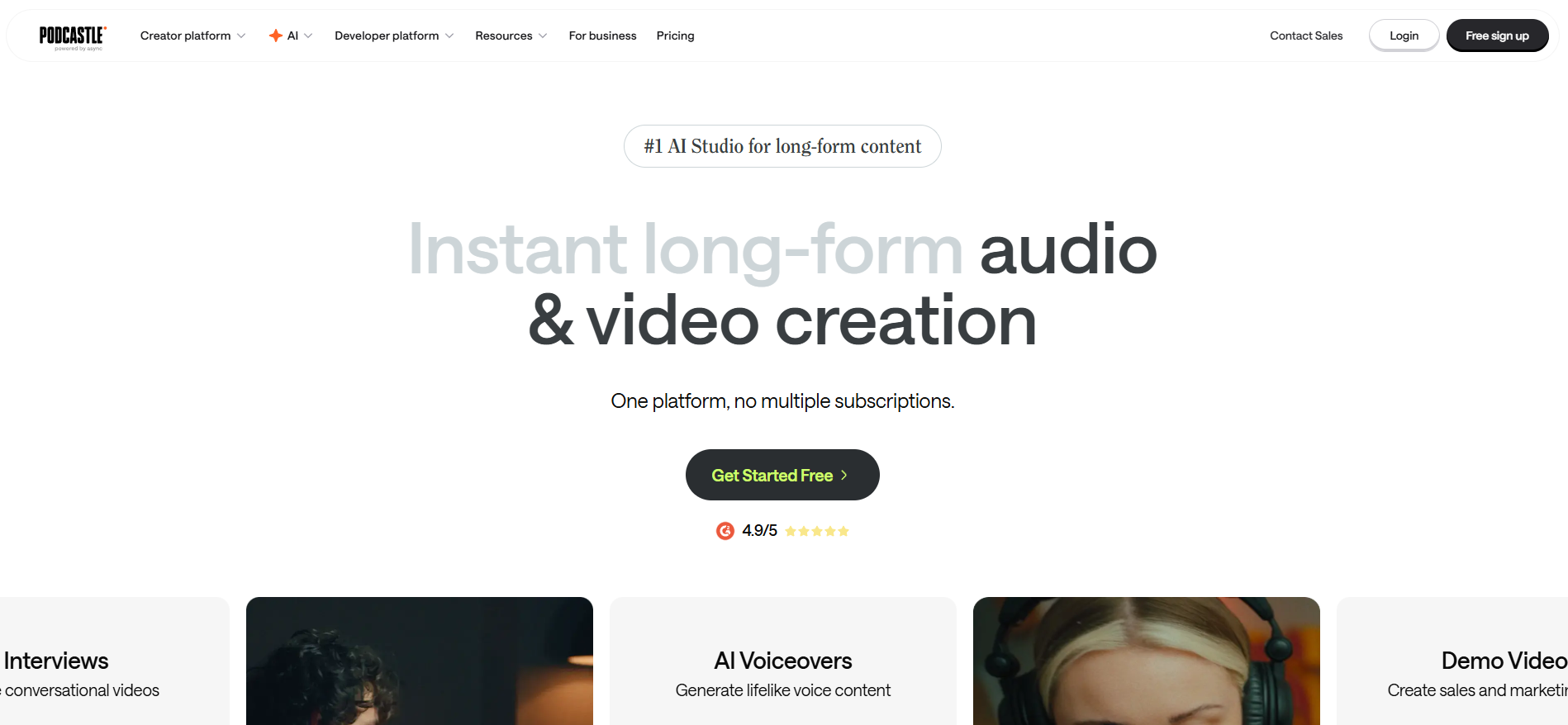
Podcastle is an AI-powered, web-based platform for creating and editing studio-quality podcasts and videos. It features its own text-to-speech model, Asyncflow v1.0, which converts text into natural, human-like voiceovers.
Why It’s A Good Option
Podcastle offers realistic AI voices and an intuitive, all-in-one workflow to turn written content into engaging podcasts. It helps creators produce studio-quality audio without needing advanced skills, thanks to its beginner-friendly tools and transcription features.
It also includes extras like voice cloning, a large library of AI voices, and an API for developers, helping creators save time and streamline their podcast production process.
3. Wondercraft AI
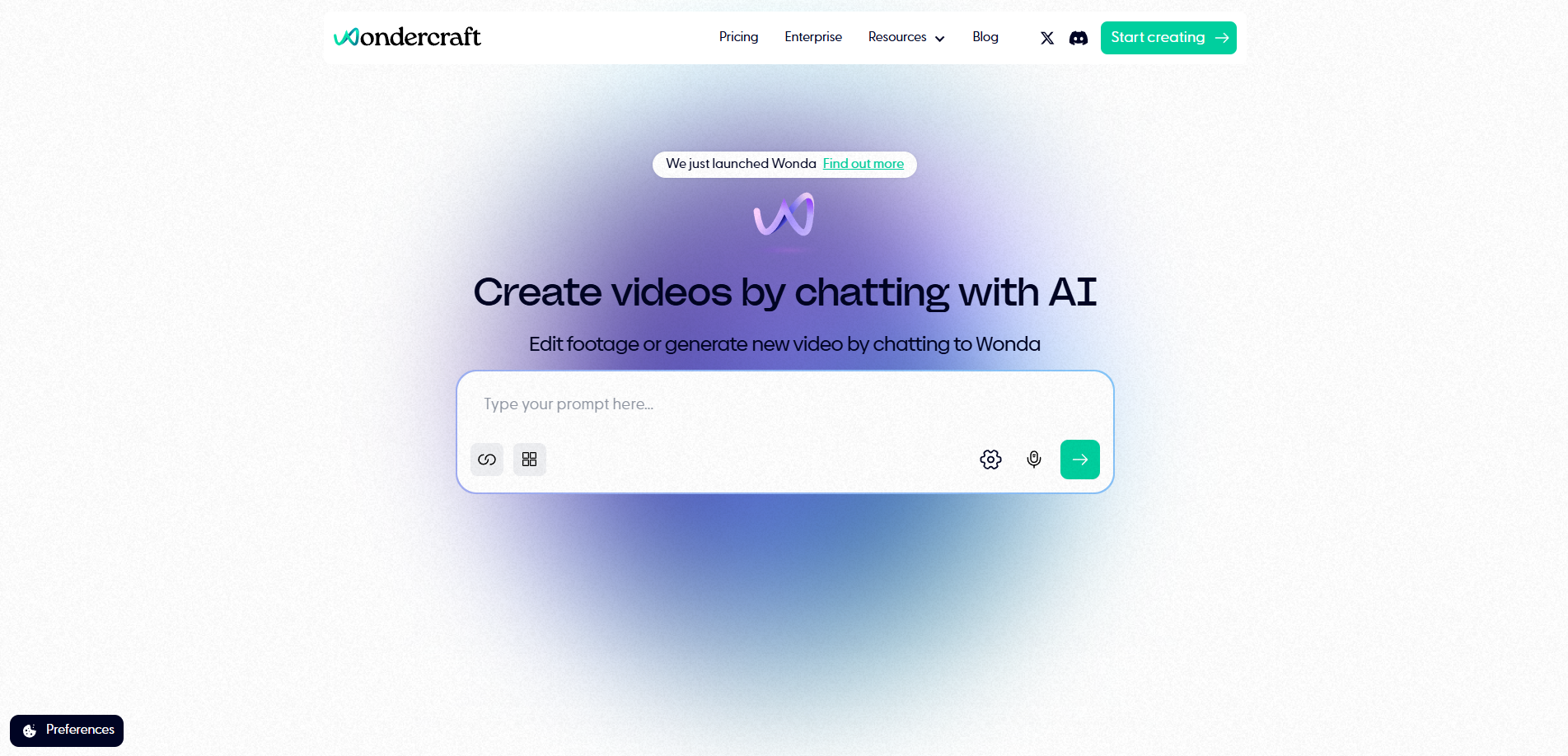
Wondercraft is an AI-powered audio content creation platform that allows users to create professional-quality audio from simple prompts and conversations, without needing recording equipment or technical skills. It uses text-to-speech technology to turn written text into audio with realistic synthetic voices or the user’s cloned voice.
Why It’s A Good Option
Wondercraft AI simplifies the process of turning blog content into podcasts using AI-generated voices and built-in scriptwriting. It helps creators produce professional-quality audio quickly and easily.
It also offers features like voice cloning, multi-language support, and hyper-realistic voice generation to give creators the flexibility to produce engaging, personalized podcasts with minimal effort.
4. NoteGPT
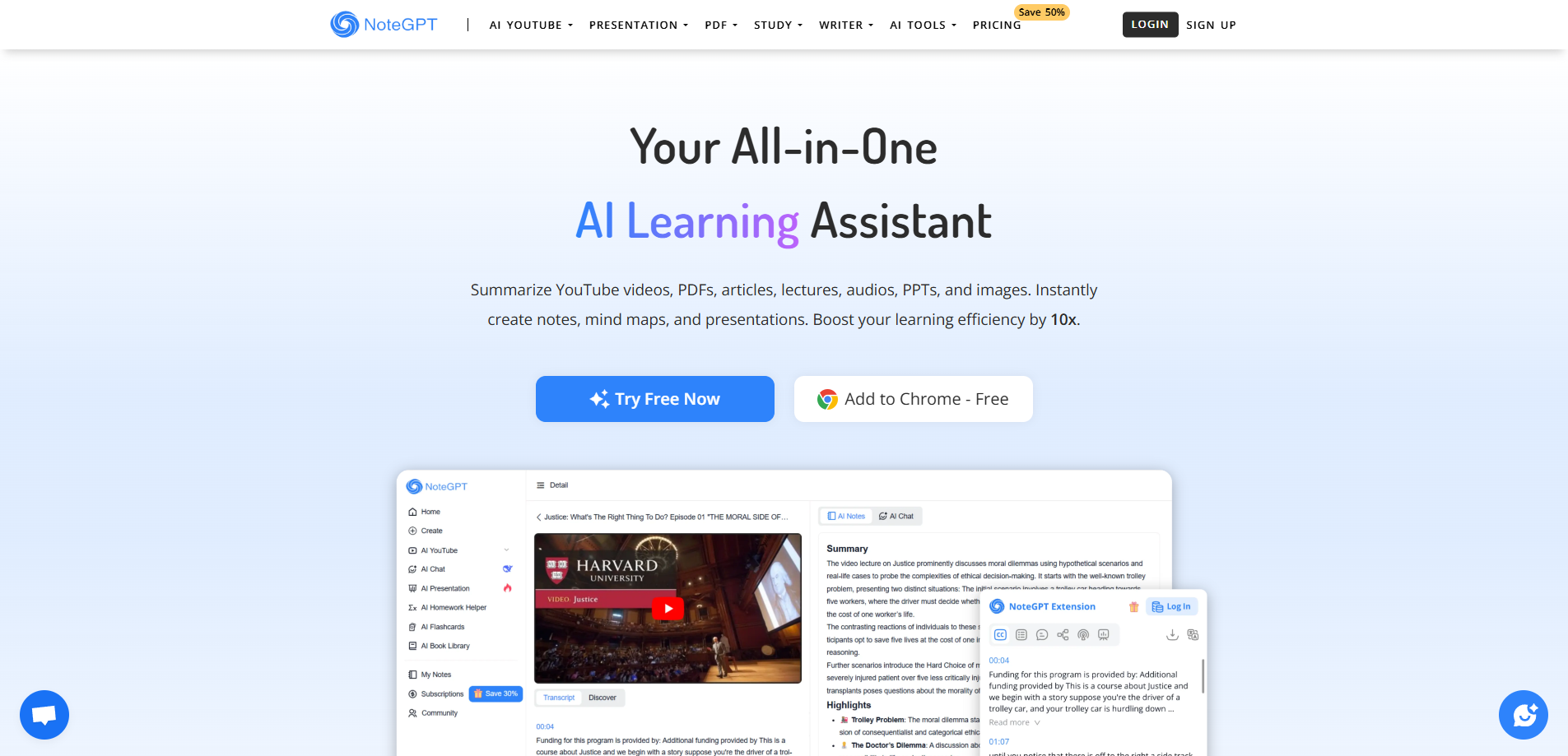
NoteGPT is an AI-powered learning assistant that generates summaries, notes, and study materials from PDFs, web pages, and YouTube videos. It also includes text-to-speech (TTS) technology that turns written text, online content, or uploaded files into realistic, natural-sounding audio.
Why It’s A Good Option
NoteGPT offers human-like voices and multilingual support to make it easy to produce natural, engaging audio content that connects with diverse audiences. The tool streamlines the process by quickly turning written material into outputs like summaries, mind maps and presentations.
It includes advanced customization options such as voice cloning and tone or speed adjustments to match your brand’s personality. It lets you download finished recordings so it’s simple to repurpose blog content into polished podcast episodes.
Conclusion
Each of the five platforms we examined offers a unique approach to transforming your written content into professional podcasts. For example:
- Trinity Audio excels at seamless website integration and automated monetization
- Podcastle provides the most comprehensive editing suite
- Play.ht delivers the most natural-sounding voices
- Wondercraft AI streamlines multi-host productions
- NoteGPT offers unmatched versatility in content formats
Choose the platform that aligns with your specific content workflow, monetization goals, and audience preferences. Consider your volume of content, technical expertise, budget constraints, and distribution requirements. Ask yourself the following:
- Do you need voice cloning to maintain brand consistency?
- Is multi-language support critical for your global audience?
- Will you require detailed analytics to optimize your monetization strategy?
The most successful publishers aren't waiting for the perfect moment, they're starting now, testing these platforms with their existing content, and refining their approach based on real listener data.
Your written content is already valuable; these tools simply unlock its full potential across new channels and revenue streams. Choose your platform, start with a pilot program of your best-performing posts, and begin building your audio business today.
.png)

.png)